
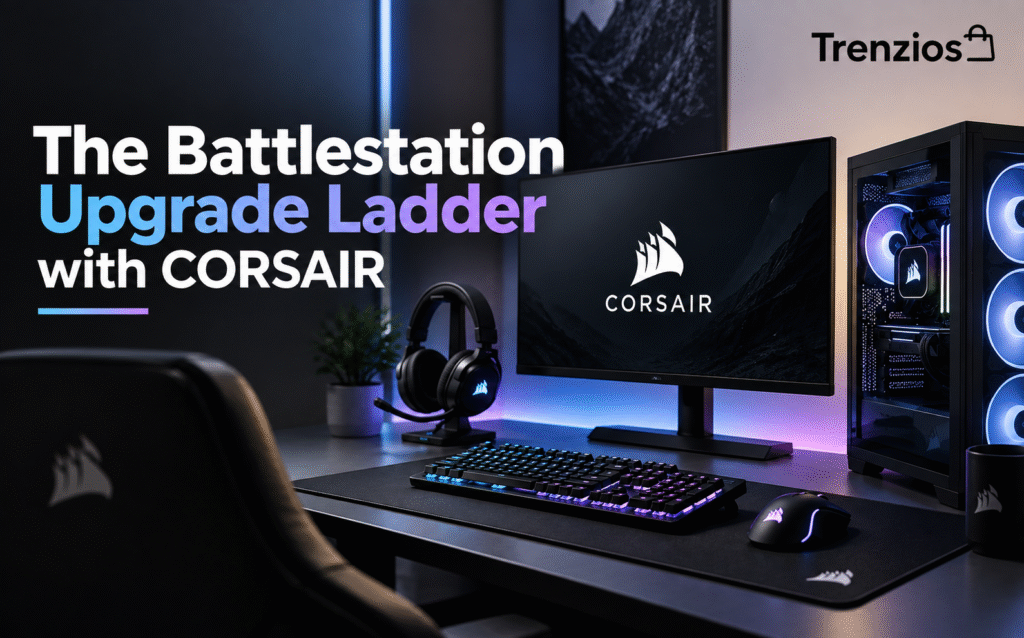
Every gamer eventually stares at their setup and thinks: something needs to change. And almost everyone then makes the same expensive mistake — saving months for one glamorous part while the things they touch for six hours a day stay mediocre. Upgrading a battlestation isn’t one purchase; it’s a ladder, and climbing it in the right order means every step is felt immediately, keeps its value into the next PC, and never has to be bought twice.
This guide climbs the ladder with CORSAIR, and the reason is coverage: founded in 1994 and one of the most established names in PC hardware, it builds practically every rung — cases, memory, coolers, power supplies, keyboards, mice, headsets, monitors and prebuilt gaming PCs — plus a family of specialist brands (Elgato for streaming, SCUF for controllers, ORIGIN PC for custom builds, Fanatec for sim racing, Drop for keyboard enthusiasts). Everything meets in one place: the iCUE software and the iCUE LINK connection system, which turn a pile of parts into one coordinated machine.
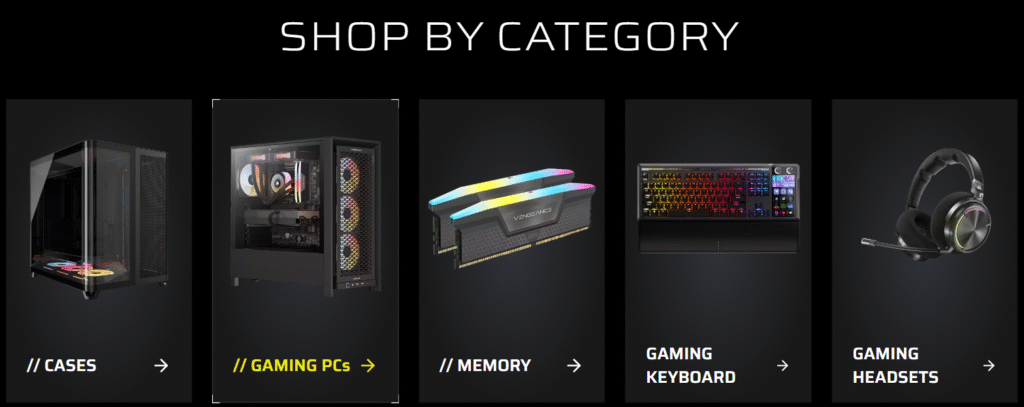
One brand, every rung of the ladder: CORSAIR’s category wall. (Image: corsair.com)
Rung 1: Upgrade What Your Hands Touch — Keyboard and Mouse
Nothing changes how a PC *feels* faster than the two objects you physically operate. A proper mechanical keyboard transforms every keystroke of every game and email, which is why it’s the classic first upgrade. The real decision is format, and CORSAIR builds all of them: full-size boards with dedicated media keys, compact 60% and 75% layouts that free up mouse room for low-sens aim, wired for the desk that never changes, wireless for the clean setup. Enthusiasts can go further with the MAKR 75 custom keyboard, and streamers with the GALLEON 100 SD, which builds a Stream Deck straight into the board. Pair it with a mouse that fits your grip and your sensitivity — then stop; the ladder continues elsewhere.

Pick your format: wireless, wired, 60% or 75%. (Image: corsair.com)
Rung 2: Upgrade What You Hear — and What Your Team Hears
Footsteps you locate before you see them, calls where your team stops asking you to repeat yourself: a real gaming headset is the second-fastest quality-of-life jump per unit of money. Prioritise comfort for long sessions, a microphone that flatters your voice, and wireless if cable drag annoys you. CORSAIR’s headset range runs from entry wired sets to flagship wireless with spatial audio — and because it lives in iCUE with everything else, your EQ profiles travel with your setup rather than dying with the peripheral.
Rung 3: The Cheapest Real Speed — Memory
Before the glamorous GPU upgrade, check the unglamorous one: RAM. Modern games and forty browser tabs eat 16 GB alive, and stutter blamed on graphics cards is often memory pressure. Moving to 32 GB of fast DDR5 is routinely the best price-to-smoothness upgrade in the whole machine. CORSAIR’s VENGEANCE line is the volume favourite and the DOMINATOR TITANIUM the flagship — both tuned for easy one-setting overclock profiles, both visible in iCUE, and both parts you’ll carry into your next build.
Rung 4: Keep It Cool, Keep It Quiet
Heat is the tax every fast component pays, and a boosting modern CPU will happily throttle on a tired stock cooler. An all-in-one liquid cooler buys back that performance and — often more noticeable — the silence. CORSAIR’s AIO range spans 280 mm to 420 mm radiators, topped by the iCUE LINK TITAN II with an LCD pump cap that shows live temperatures. This is also where iCUE LINK earns its keep: fans and pump daisy-chain through a single cable system instead of a drawer full of RGB controllers, so the cooling rung is also the cable-management rung.

The cooling rung: LCD AIOs and radiators from 280 mm to 420 mm. (Image: corsair.com)
Rung 5: The Foundation Nobody Screenshots — Power and Case
No one posts their power supply, and yet it decides whether every part above it lives a long life. Buy quality wattage with headroom for your next GPU, not just your current one — CORSAIR’s RM-series and higher exist precisely for that buy-once logic. The case is the other quiet multiplier: airflow-first designs drop temperatures across every component at once, and a layout you enjoy working in makes every future rung easier. If your current case fights you, the upgrade pays for itself in every job after it.
Rung 6: The Command Layer — and the View
The top of the ladder is coherence. iCUE ties lighting, cooling curves, EQ and macros into profiles that switch with your game; iCUE LINK does the same for hardware. And the current showpiece is the XENEON EDGE, a 14.5-inch touchscreen that mounts on your desk or in your case and turns telemetry — clocks, temps, streams, timers — into a live dashboard, now in five finishes including Atomic Purple. From here the ladder branches into specialities: an Elgato Stream Deck rig for creators, SCUF for the console side, Fanatec when the racing bug bites. Or skip the climb entirely — CORSAIR and ORIGIN PC sell the whole ladder pre-assembled as complete gaming PCs.
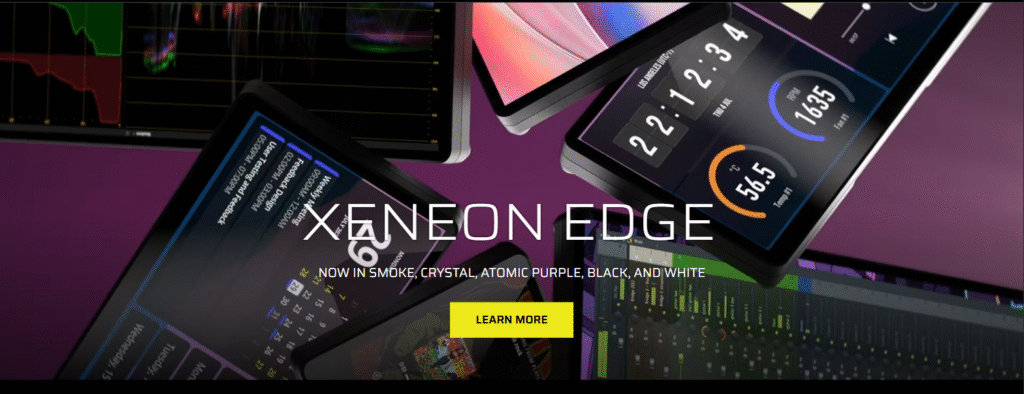
Top of the ladder: the XENEON EDGE touchscreen dashboard. (Image: corsair.com)
Three Mistakes This Ladder Prevents
First: buying the GPU while typing on a membrane keyboard with 16 GB of RAM — the parts you feel every second come first, and the cheap speed comes before the expensive kind. Second: assembling a zoo of brands whose software fights all night — one ecosystem, one app, one cable standard saves hours and looks like it. Third: cheaping out on the PSU and case, the two parts that outlive every other component and quietly decide their fates.
Final Thoughts
A battlestation isn’t bought; it’s grown. Climb in order — hands, ears, memory, cooling, foundation, command layer — and every purchase lands as an upgrade you feel the same evening, in an ecosystem that treats the parts as one machine. CORSAIR has spent three decades building every rung of that ladder, which is why it’s the rare brand you can climb top to bottom without leaving.
▶ SHOP THE FULL SETUP at CORSAIR
Disclosure: This article contains affiliate links. If you make a purchase through them, Trenzios may earn a commission at no extra cost to you.