
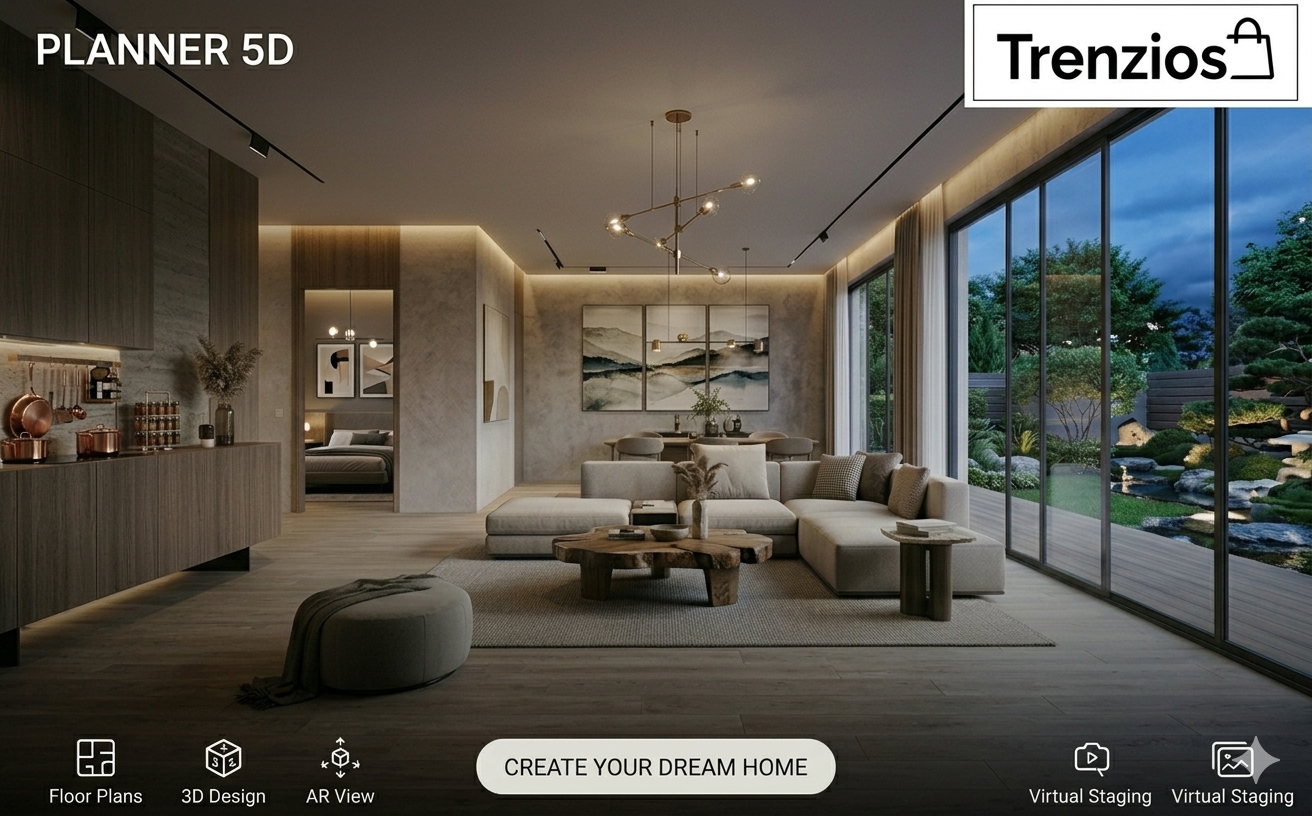
Designing your home used to require professional knowledge, expensive software, and technical drawing skills. Today, modern tools like Planner 5D have made interior and home design accessible to everyone. Whether you are planning a renovation, decorating a new apartment, or simply exploring creative ideas, Planner 5D allows you to design like a professional without needing architectural expertise.
Many homeowners struggle with visualizing how their ideas will look in real life. Choosing furniture layouts, testing colors, and planning room dimensions can be challenging without proper tools. With Planner 5D, you can experiment with layouts, customize interiors, and visualize spaces in both 2D and 3D before making actual changes.
Why Planner 5D Is a Great Tool for Home Design
Before starting your design journey, it is important to understand why tools like Planner 5D are becoming increasingly popular among homeowners and design enthusiasts. The platform combines powerful features with an easy-to-use interface, allowing users to create detailed layouts without frustration.
One of the main reasons people choose Planner 5D is its simplicity. Instead of complicated commands, users can drag and drop furniture, resize rooms, and adjust layouts with just a few clicks. This makes it suitable for beginners who want professional-looking results without spending weeks learning technical software.
Another important advantage is flexibility. Planner 5D works on web browsers, mobile devices, and tablets, allowing users to access their designs anytime and anywhere. This makes it easier to refine ideas gradually and experiment with different layouts over time.
Explore the design features today:
TRY PLANNER 5D NOW
Step-by-Step: How to Design Your Home Using Planner 5D
Designing your home becomes easier when you follow a structured approach. Planner 5D provides tools that guide users through each stage of the design process.
Step 1: Create Your Floor Plan
The first step in designing any space is creating a floor plan. This layout forms the foundation of your entire design and helps you understand how different rooms connect.
With Planner 5D, users can create floor plans from scratch or modify existing layouts. You can define room shapes, adjust wall lengths, and place doors and windows accurately. This step ensures that your design reflects the actual dimensions of your home.
Creating an accurate floor plan helps avoid mistakes later in the process. It also allows users to plan furniture placement efficiently without overcrowding rooms.
Step 2: Add Furniture and Interior Elements
Once the floor plan is ready, the next step is adding furniture and decor items. Planner 5D includes a large library of objects that can be placed directly into your design.
Users can add:
- Sofas and chairs
- Beds and wardrobes
- Tables and desks
- Lighting fixtures
- Decorative accessories
This stage allows users to experiment with different arrangements and see how furniture fits into each room. Trying multiple layouts helps identify the most practical and visually appealing design.
Step 3: Customize Colors, Materials, and Lighting
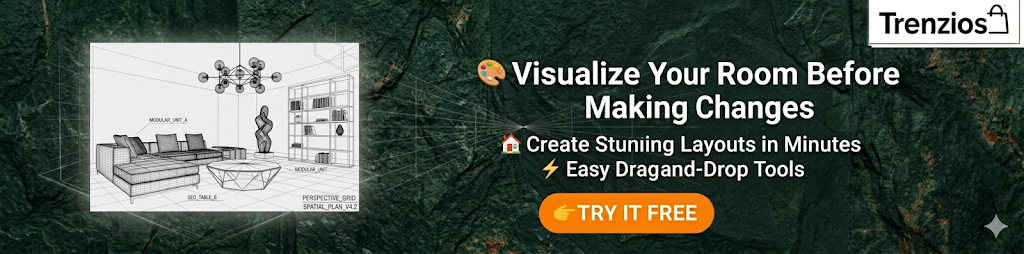
Customization is one of the most exciting parts of home design. Planner 5D allows users to modify colors, materials, and textures to match their personal preferences.
For example, you can:
- Change wall colors
- Add wooden or tiled flooring
- Experiment with wallpaper designs
- Adjust lighting settings
These adjustments help create a realistic representation of how your space will look in real life. Instead of guessing which color combinations will work best, you can test multiple options instantly.
Lighting customization is particularly important because it influences how colors and textures appear within a room. By experimenting with different lighting styles, users can achieve the desired mood and ambiance.
Step 4: View Your Design in 3D
One of the most powerful features of Planner 5D is its ability to switch between 2D and 3D views. This allows users to visualize their designs from different angles.
Viewing designs in 3D helps users:
- Identify layout issues
- Improve furniture placement
- Adjust spacing
- Enhance room aesthetics
Seeing a design in three dimensions provides clarity and helps users make confident decisions before implementing real changes.
Step 5: Refine and Finalize Your Layout
After creating your design, it is important to refine details and finalize your layout. This stage involves making small adjustments that improve functionality and visual appeal.
Users can:
- Reposition furniture
- Adjust room spacing
- Add finishing details
- Improve alignment
Taking time to refine the layout ensures that your design meets both practical and aesthetic goals.
Benefits of Using Planner 5D for Home Design
Planner 5D provides several advantages that make it a valuable tool for homeowners and designers.
One major benefit is cost savings. Designing a layout digitally helps avoid costly mistakes, such as purchasing furniture that does not fit or selecting colors that clash.
Another benefit is creative freedom. Users can experiment with multiple ideas without limitations. Trying different layouts and styles encourages creativity and improves design confidence.
The platform also saves time by simplifying complex tasks. Instead of drawing layouts manually, users can create professional-looking designs quickly using digital tools.

Who Should Use Planner 5D?
Planner 5D is suitable for a wide range of users with different goals. Whether you are designing a single room or planning an entire home, the platform provides tools that support various projects.
It is especially useful for:
- Homeowners planning renovations
- Interior design enthusiasts
- Real estate professionals
- Students learning design skills
- Property developers
Because the platform is beginner-friendly, users can start designing immediately without prior experience.
Tips to Design Your Home Like a Professional
Designing like a professional involves planning carefully and paying attention to details. Following these tips can improve your results significantly.
Start with simple layouts and gradually add complexity. Focus on functionality before aesthetics, ensuring that rooms remain practical and comfortable. Experiment with different styles before finalizing your design to discover what works best for your space.
Another helpful strategy is saving multiple versions of your project. This allows you to compare designs and choose the most effective layout.
Final Thoughts
Designing your home no longer requires professional training or expensive tools. With Planner 5D, anyone can create detailed layouts, test ideas, and visualize spaces with ease. The platform combines powerful features with user-friendly tools, making it suitable for beginners and experienced designers alike.
Whether you are renovating a room, planning a new apartment, or exploring creative interior ideas, Planner 5D provides everything you need to design confidently. By following a structured process and using visualization tools effectively, you can achieve professional-quality results without stress.Start designing your home like a pro today:
START DESIGNING WITH PLANNER 5D